Pilot 3–5 then 50–100: PRISMA Aligned Data Cleaning for Review Teams
Pilot 3–5 then 50–100: PRISMA Aligned Data Cleaning for Review Teams

Data cleaning for systematic reviews means deduplicating imported references and normalizing every extracted field (author names, dates, outcomes, units) into one consistent, analysis-ready table. The immediate move: import a canonical RIS or CSV export from your reference manager, then run a DOI or PMID based deduplication pass before touching anything else. Anchor the process to Cochrane and PRISMA 2020 reporting standards from day one, and use a platform like Papersynapse if you want extraction and normalization to live in the same workspace.
TL;DR:
- Deduplication should prioritize matching IDs like DOI or PMID before manual merging to prevent losing the paper trail.
- Standardize author names, dates, and units early using a clear codebook, and verify categorical fields with frequency counts for consistency.
- Validate data during extraction by independent coding, automated plausibility checks, and comparing early subsets to source abstracts to catch systematic errors.
- Small teams should pilot and reconcile data weekly, whereas larger teams should automate low-ambiguity fields and document all validation steps for transparency.
- Automate for volume, but always double-extract critical outcomes and outcome-related fields to ensure accuracy in primary analysis data.
Table of Contents
- What to Prepare Before You Clean Review Data
- How Do You Deduplicate References Without Losing Data?
- How Do You Standardize Fields Extracted From Abstracts?
- How Do You Validate a Cleaned Review Dataset?
- Two Reproducible Workflows: Small Team vs. Large Team
- Where Speed and Accuracy Actually Trade Off
- Papersynapse: One Workspace for Extraction and Normalization
- Sources
- FAQ
What to Prepare Before You Clean Review Data
Before you open a spreadsheet, gather the raw materials in one place. That means RIS or CSV exports from Scopus, Web of Science, or your reference manager, plus any extracted tables your team has already built, plus a running list of DOIs and PMIDs for cross-checking. Skipping this step is how teams end up reconciling three half-finished spreadsheets in week six.
Build a codebook alongside your extraction template, not after it. Every field needs a reason to exist:
- Study ID and citation string: the anchor for every merge decision you’ll make later.
- Publication year: critical for chronological screening and duplicate detection across preprint and published versions.
- PICO elements (population, intervention, comparator, outcome): the backbone of most systematic review analysis.
- Outcome values and units: the single most common source of downstream error if left unstandardized.
- Free-text notes column: a dumping ground for ambiguity flags that saves arguments later.
Version the template file itself (v1, v2, v3) and pilot it on 3 to 5 studies before rolling it out. For larger reviews, expand that pilot to a 50 to 100 study sample once the small pilot stops surfacing new problems, a two stage pilot approach that methodological guidance on extraction forms consistently recommends over jumping straight to full-scale extraction.
How Do You Deduplicate References Without Losing Data?
Deduplication fails most often not because teams lack tools, but, but because they merge too aggressively and lose the paper trail. Follow this order every time:
- Match on identifiers first — Try DOI, then PMID, then any other stable ID (trial registry number, PMC ID). Identifier matches are close to unambiguous and should auto-merge.
Two records with matching titles but different sample sizes usually signal a conference abstract and its later full-text publication, not a duplicate. Merge the metadata but flag the outcome data for manual reconciliation rather than averaging or dropping one row.
Pro Tip: Keep the raw, unmerged columns in a hidden tab or archived table. When a peer reviewer asks why two records became one, “we merged them” isn’t an answer. Showing the original rows is.
How Do You Standardize Fields Extracted From Abstracts?
Normalization is where most review datasets quietly rot. Author names arrive as “Smith, J.”, “J. Smith”, and “Smith JA” across three databases; without a canonical form, your author-level analysis breaks before it starts.
Handle the recurring offenders directly:
- Author names: create a canonical_author column, but keep raw_author untouched for provenance.
- Dates: convert everything to ISO format (YYYY-MM-DD). For partial dates (year only, or year and month), pad with a consistent rule, such as defaulting to the first of the month, and note the substitution in your notes column.
- Units: standardize outcome measures to one unit system, and write the conversion formula into the codebook, not just into a formula cell nobody can trace later.
- Controlled vocabularies: map free-text intervention or condition names to a lookup table (MeSH terms work well for clinical reviews) so “myocardial infarction” and “heart attack” resolve to one category.
Every mapping decision belongs in the codebook the moment you make it, not at the end of the project when nobody remembers why “hypertension, stage 2” got folded into “hypertension.”
Pro Tip: Run a frequency count on every categorical field before you start mapping. If “intervention type” has 40 unique raw values for what should be five categories, you’ll spot the messiest fields immediately instead of discovering them one row at a time.
How Do You Validate a Cleaned Review Dataset?
Validation is not a final QA pass tacked onto the end. It runs in parallel with extraction, from the first pilot batch onward.
- Pilot the extraction form and measure agreement. Have two extractors independently code the same 10 to 20 records, then compare. Repeat with a revised form until agreement stabilizes.
- Duplicate-extract critical outcomes. Primary outcomes and any field feeding a meta-analysis effect size should get independent extraction from two people, with disagreements resolved by a third reviewer or discussion.
- Run automated plausibility checks. Flag outcome values outside physiologically or statistically plausible ranges, sample sizes that don’t match the reported arms, and dates that predate the study’s own registration.
- Compare subsets iteratively, not just once. Checking the first 10 to 20 extracted records against source abstracts early catches systematic mapping errors before they propagate through 300 more rows.
The stakes for skipping this are documented, not theoretical. Older audits found extraction errors in 20 of 34 reviews in one analysis, and substantial errors in 7 of 27 reviews in another, whenever extraction wasn’t independently duplicated.
If you use automated extraction for any stage, PRISMA 2020 requires you to state explicitly which tasks the tool handled and how you validated its output, not just that “AI-assisted extraction was used” in a single vague sentence.

Two Reproducible Workflows: Small Team vs. Large Team

A three-person team running a focused review of 200 records doesn’t need the same pipeline as a twelve-person group processing 5,000.
Small-team, manual-first workflow:
- Pilot the extraction form on 3 to 5 studies, revise, then extract the full set with two extractors on primary outcomes.
- Reconcile disagreements weekly rather than at the end, so drift gets caught early.
- Snapshot the dataset (dated CSV export) after screening, after extraction, and after cleaning.
Large-team, automation-assisted workflow:
- Use automated extraction for high-volume, low-ambiguity fields (title, year, DOI, journal), then route outcome and PICO fields through human-verified AI extraction.
- Run the iterative subset comparison on the first batch before scaling to the full corpus.
- Log which fields were automated, which tool version was used, and validation metrics in your methods section, satisfying PRISMA’s automation reporting requirement.
- Export the final dataset as CSV with a companion codebook file, versioned to match your PRISMA flow diagram.
Both workflows converge on the same principle: snapshot early, snapshot often, and never overwrite your raw extraction with your cleaned one.
Where Speed and Accuracy Actually Trade Off
Automation earns its place on volume, not on judgment calls. Feeding 200 abstracts through an extraction tool to populate title, year, and journal fields saves real hours with minimal risk, because those fields are objectively verifiable. Outcome definitions, effect direction, and anything requiring interpretation of an abstract’s nuance still need duplicate human extraction, because that’s exactly where the 20-of-34-reviews error rate originated.
The rule of thumb I’d defend in a methods review: automate for scale, double-extract for anything that feeds your primary analysis, and report both choices explicitly rather than letting reviewers guess what the software actually touched.
— Ubada
Papersynapse: One Workspace for Extraction and Normalization
Most review teams stitch together a reference manager, a spreadsheet, and a separate AI tool, then manually reconcile all three. Papersynapse collapses that into a single workflow: import your RIS or CSV export directly, let AI-powered extraction populate your custom fields from abstracts, and normalize labels without leaving the platform.
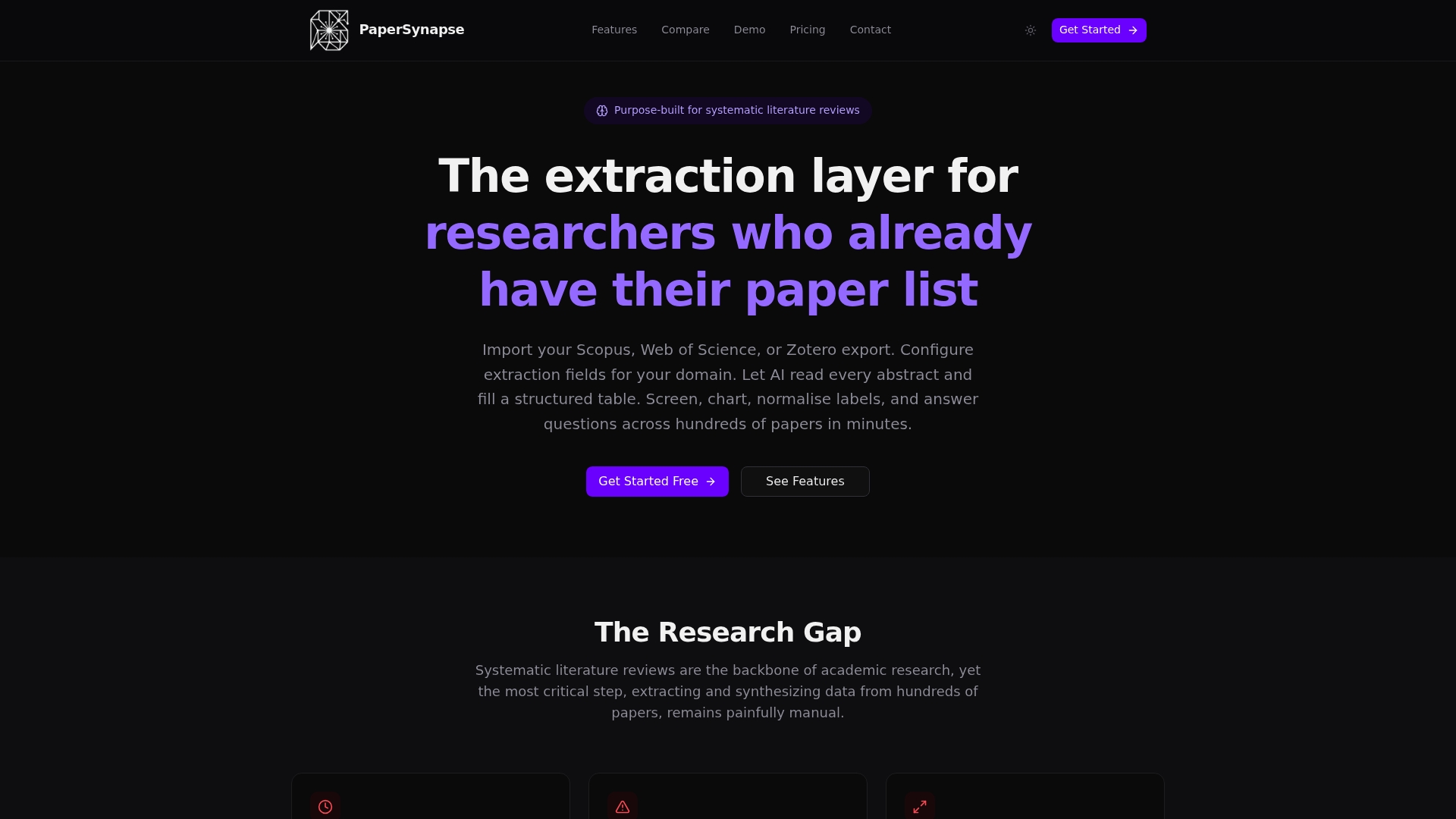
The platform is built abstract-first, so you don’t need full-text PDFs to get structured tables, PRISMA-compliant screening, and chart-ready outputs. Teams processing large batches can move through datasets fast, with inline editing to correct any field before export. If you’re running a pilot batch this week, the Free plan lets you test the extraction and normalization workflow before committing to the Pro plan at £10 per month or Ultra at £25 per month for higher-volume reviews. Start with your next pilot sample and see how the extracted table compares to your manual pass.
Sources
The PRISMA 2020 statement sets the current reporting bar for automation disclosure in study selection and extraction. The Cochrane Handbook chapter on collecting data covers structured forms, pilot testing, and provenance tracking. A methodological review of extraction form guidance synthesizes 25 guidance documents on piloting and customization. For automation specifically, the living systematic review of extraction methods tracks tool reliability and reporting quality over time.
FAQ
What Is Data Cleaning for Systematic Reviews?
It’s the process of deduplicating imported references and standardizing extracted fields (dates, units, outcome labels) so the resulting dataset is consistent enough for analysis. It sits between reference import and data synthesis in a typical PRISMA workflow.
How Many Studies Should a Pilot Extraction Sample Include?
Start with 3 to 5 studies to catch obvious form problems, then expand to 50 to 100 studies for larger reviews once the small pilot stops surfacing issues, per guidance on extraction form testing. Skipping the larger pilot is how systematic errors surface only after full extraction is complete.
Does PRISMA Require Reporting Automated Data Extraction?
Yes. PRISMA 2020 expanded its reporting items to require disclosure of any automation used in study selection or data extraction, including which tasks were automated and how the output was validated.
Can Papersynapse Handle Deduplication and Normalization Together?
Papersynapse imports RIS/CSV exports and runs AI-powered extraction and label normalization within the same workspace, so teams don’t need separate tools for each stage. Current plan pricing, including the Free tier, is listed on the Papersynapse site.
Why Does Independent Dual Extraction Still Matter if I Use Automation?
Historical audits found extraction errors in 20 of 34 reviews that skipped independent duplicate extraction. Automation speeds up low-ambiguity fields, but outcome data feeding your primary analysis still benefits from two independent extractors.