Pilot 50–100 Records First: Scoping Review Screening With PRISMA-ScR Exports
Pilot 50–100 Records First: Scoping Review Screening With PRISMA-ScR Exports
Run scoping review screening in two stages: title/abstract first, then full-text, each pass completed by at least two independent reviewers with a pre-agreed method for breaking ties. Every excluded record needs a documented reason, and the whole process should feed directly into a PRISMA-ScR flow diagram. Skip any of these pieces and reviewers, and editors, will find the gap.
TL;DR:
- Conduct title and abstract screening separately from full-text review, ensuring two independent reviewers at each stage to reduce bias and error.
- Use clear, specific reasons for exclusion, attaching them to each record with an audit trail for transparency and PRISMA-ScR flow diagram accuracy.
- Pilot criteria on a small sample and aim for at least 75% agreement between reviewers before scaling up, revising ambiguous terms if agreement is low.
- Choose screening tools that preserve detailed decision records, conflict logs, and exportable exclusion reasons, testing them on small batches beforehand.
- Automated platforms with AI support can significantly speed up screening, but require validation to ensure audit trail integrity and proper exclusion reasoning.
Table of Contents
- What Happens During Title/Abstract and Full-Text Screening?
- Who Screens, and How Do You Resolve Disagreements?
- Which Tools and Workflow Features Actually Matter?
- How Do You Pilot Test Your Screening Criteria?
- What Do You Need to Document for PRISMA-ScR Reporting?
- A Screening Checklist You Can Paste Into Your Protocol
- Where Automation Actually Helps, and Where It Doesn’t
- Speed Versus Rigor: Where I Draw the Line
- Screen Faster Without Losing Your Audit Trail
- Sources
- FAQ
What Happens During Title/Abstract and Full-Text Screening?
Screening runs in two distinct passes, and treating them as one job is the most common way teams introduce error. The JBI/PRISMA-ScR framework treats them as separate decision points with different information available and different stakes for getting it wrong.
Title/abstract screening comes first. Reviewers read only the title and abstract, then assign one of three labels:
- Include — clearly meets the eligibility criteria based on available information.
- Exclude — clearly fails one or more criteria (wrong population, wrong context, wrong publication type).
- Maybe/unsure — the abstract doesn’t give enough detail to decide.
That third category matters more than most teams realize. An abstract is a compressed, sometimes misleading summary of a study. When a reviewer isn’t sure, the record should move forward to full-text review rather than get excluded on a guess. Cutting a study at this stage because the abstract was vague, rather than because it genuinely fails your criteria, is how legitimate studies quietly disappear from a scoping review before anyone reads the actual paper.
Full-text screening applies your complete eligibility criteria against the entire document. This is where population, concept, and context (the PCC framework scoping reviews rely on) get checked in detail, and where every exclusion needs a specific, coded reason attached to it. “Doesn’t fit” is not a reason. “Wrong population: adults only, study enrolled minors” is a reason, and it’s the kind of granularity your PRISMA-ScR diagram will eventually need to report.
Who Screens, and How Do You Resolve Disagreements?
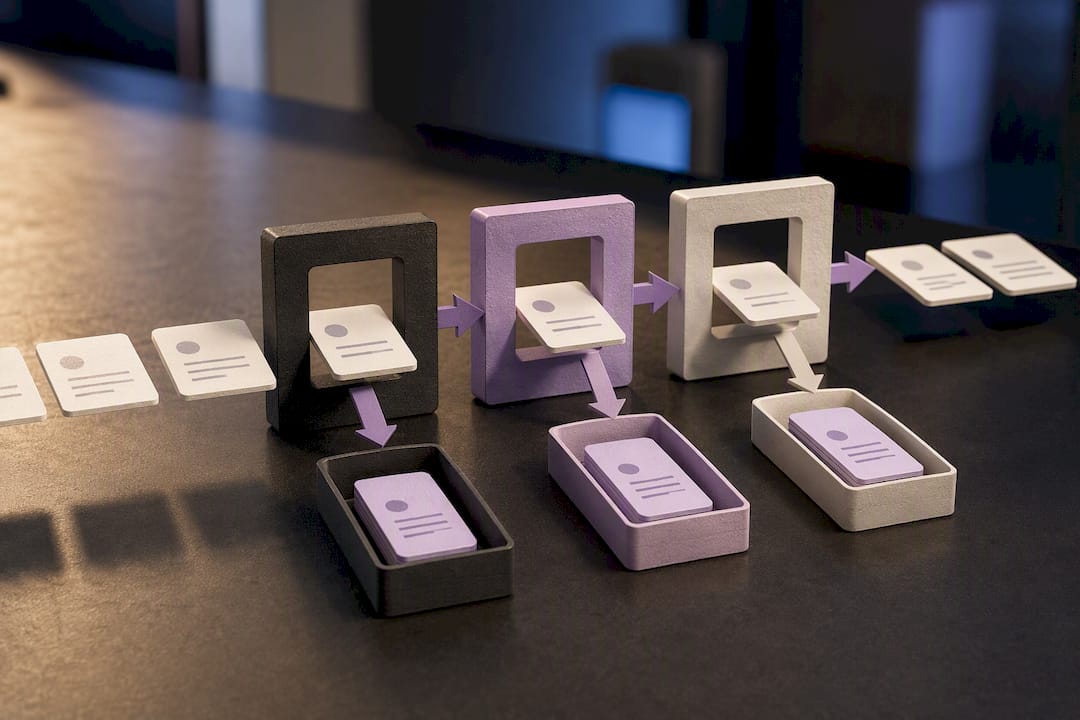
Screening quality depends more on team structure than on any single reviewer’s expertise. Library guidance on scoping review screening is direct on this point: single-reviewer screening increases both bias and error, at both stages.
The baseline setup looks like this:
- At least two independent reviewers screen every record at title/abstract and again at full-text.
- Reviewers work without seeing each other’s decisions until both have finished (blinded screening), which prevents anchoring on a colleague’s judgment.
- A third reviewer or a scheduled consensus meeting serves as the pre-defined tiebreaker for any disagreement, decided before screening starts, not improvised mid-review.
- Reviewer IDs get logged against every decision, creating an audit trail that shows who made which call and when.
Blinded screening costs more coordination time than open screening, where reviewers see each other’s calls in real time. But open screening tends to produce artificially high agreement rates because reviewers drift toward consensus rather than judging independently, which defeats the purpose of having two people screen in the first place.
Pro Tip: Log disagreements as their own data point, not just their resolutions. A cluster of conflicts around one criterion (say, “adolescent” age ranges) is an early warning that the criterion itself is ambiguous, not that your reviewers are careless.
For a longer breakdown of coordinating multiple screeners without losing track of decisions, see this guide on multi-reviewer screening.
Which Tools and Workflow Features Actually Matter?
The tool matters less than whether it preserves the record of what happened during screening. Six features separate a screening setup that survives peer review from one that creates rework later:
- RIS/CSV import from Scopus, Web of Science, or your reference manager, so citations arrive with metadata intact.
- De-duplication that catches near-duplicate records across databases, not just exact matches.
- Blinded dual screening, where each reviewer’s decisions stay hidden until both have submitted.
- Conflict logs that timestamp disagreements and their resolutions.
- Exportable exclusion reasons tied to record IDs, ready to drop into a supplementary table.
- PRISMA-ready outputs that map screening counts directly onto the flow diagram.
Spreadsheets can work for small, single-reviewer scoping efforts where audit trails matter less. But spreadsheets don’t blind reviewers from each other’s entries by default, and they don’t automatically generate conflict logs. Library guidance on screening platforms notes that specialized tools track exclusion reasons and reviewer reliability automatically, which spreadsheets require you to build by hand.
Whatever you choose, test the full import and export cycle on a small batch, maybe 20 to 30 records, before committing your entire search result to it. Interoperability gaps between search databases, screening software, and extraction tools remain one of the biggest practical obstacles in review automation, and catching a formatting mismatch early saves hours later.
How Do You Pilot Test Your Screening Criteria?
Don’t screen your full dataset on criteria you haven’t stress-tested. Pull a random sample, apply your criteria, and check whether your reviewers actually agree before scaling up.
- Select a moderate random sample of records from your full search results.
- Have all reviewers screen the sample independently using the current eligibility criteria.
- Calculate pairwise agreement and compare against your threshold.
- If agreement holds, proceed to full screening. If not, revise the criteria and re-pilot on a fresh sample.
Agreement benchmark: Aim for at least 75% agreement between reviewers during the pilot before moving to full-scale screening. Below that, the criteria themselves are usually the problem, not the reviewers.
Low agreement almost always traces back to one or two ambiguous terms in your eligibility criteria rather than a systemic reviewer problem. Find the specific term causing splits, define it explicitly, and re-pilot. This single step is arguably the most effective safeguard against having to redo screening decisions halfway through a review. For criteria-writing guidance before you get to this stage, this piece on setting inclusion and exclusion criteria walks through the pilot sizing logic in more detail.
What Do You Need to Document for PRISMA-ScR Reporting?
Every screening decision needs to be traceable back to a specific record, a specific reviewer, and a specific reason. At minimum, your export table needs:
- Record ID matching your reference manager or database export.
- Reviewer decision at each stage (include/exclude/maybe).
- Exclusion reason, coded consistently across the dataset.
- Decision date, useful for tracking criteria changes mid-review.
These fields map directly onto the PRISMA-ScR flow diagram’s boxes and arrows, and they belong in your methods text as a described process, not just a diagram.
The most common reason reviews get sent back during peer review is a missing exclusion-reason column. Undocumented exclusions undermine an editor’s ability to verify your flow diagram against your actual decisions, and undocumented criterion changes mid-screening create the same problem from a different angle.
Pro Tip: Archive your exclusion-reasons table as supplementary material even if the journal doesn’t require it. Reviewers ask for it more often than journals mandate it, and having it ready saves a review cycle.
A Screening Checklist You Can Paste Into Your Protocol
Pre-screen: Finalize your protocol and eligibility criteria, run your searches, and deduplicate the combined results before anyone starts screening.
Screen: Pilot the criteria on 50 to 100 records, run title/abstract screening with two independent reviewers, promote unclear records to full-text, then run full-text screening with the same two-reviewer minimum and your pre-defined conflict resolution process.
Post-screen: Export the final included-records list, generate your PRISMA-ScR flow diagram from the screening counts, and archive the exclusion-reasons log as supplementary material.
Keep this sequence visible somewhere your team checks daily. For a version built out into a full protocol document, this literature review workflow checklist covers the surrounding steps too.
Where Automation Actually Helps, and Where It Doesn’t
Scoping reviews can run into thousands of candidate records, and manual screening at that scale is where reviewers burn out and error rates climb. Integrated platforms that combine import, AI-assisted triage, and structured export can cut the time spent transferring data between tools, which is where most workflow errors originate in the first place.
Before trusting an automation claim, verify it yourself:
- Run a pilot import and export on a small batch and check that every field survives the round trip.
- Confirm the audit trail captures reviewer IDs, timestamps, and conflict resolutions, not just final decisions.
- Check that exclusion reasons export cleanly into a PRISMA-ScR-compatible format.
Automated triage should flag borderline abstracts for a human, not decide on them. Treat any AI-suggested exclusion as provisional until a reviewer confirms it, and log that confirmation the same way you’d log a second reviewer’s decision.
Speed Versus Rigor: Where I Draw the Line
A single reviewer screening a rapid scoping exercise, with limitations stated plainly in the write-up, is a defensible shortcut for narrow, low-stakes questions. It is not defensible for anything headed toward publication or policy use. If you’re short on reviewers, double-screen a random sample and dual-check the categories most likely to be miscoded, then say exactly what you did. Reviewers respect a disclosed shortcut far more than a silent one.
— Ubada
Screen Faster Without Losing Your Audit Trail
There are platforms that import from Scopus or Web of Science, use AI to read abstracts and populate structured fields, and export results as tables ready for PRISMA-ScR reporting. Some have demonstrated processing up to 200 papers in under two minutes during internal testing, reducing the manual reading and categorizing that consumes most of a screening timeline.
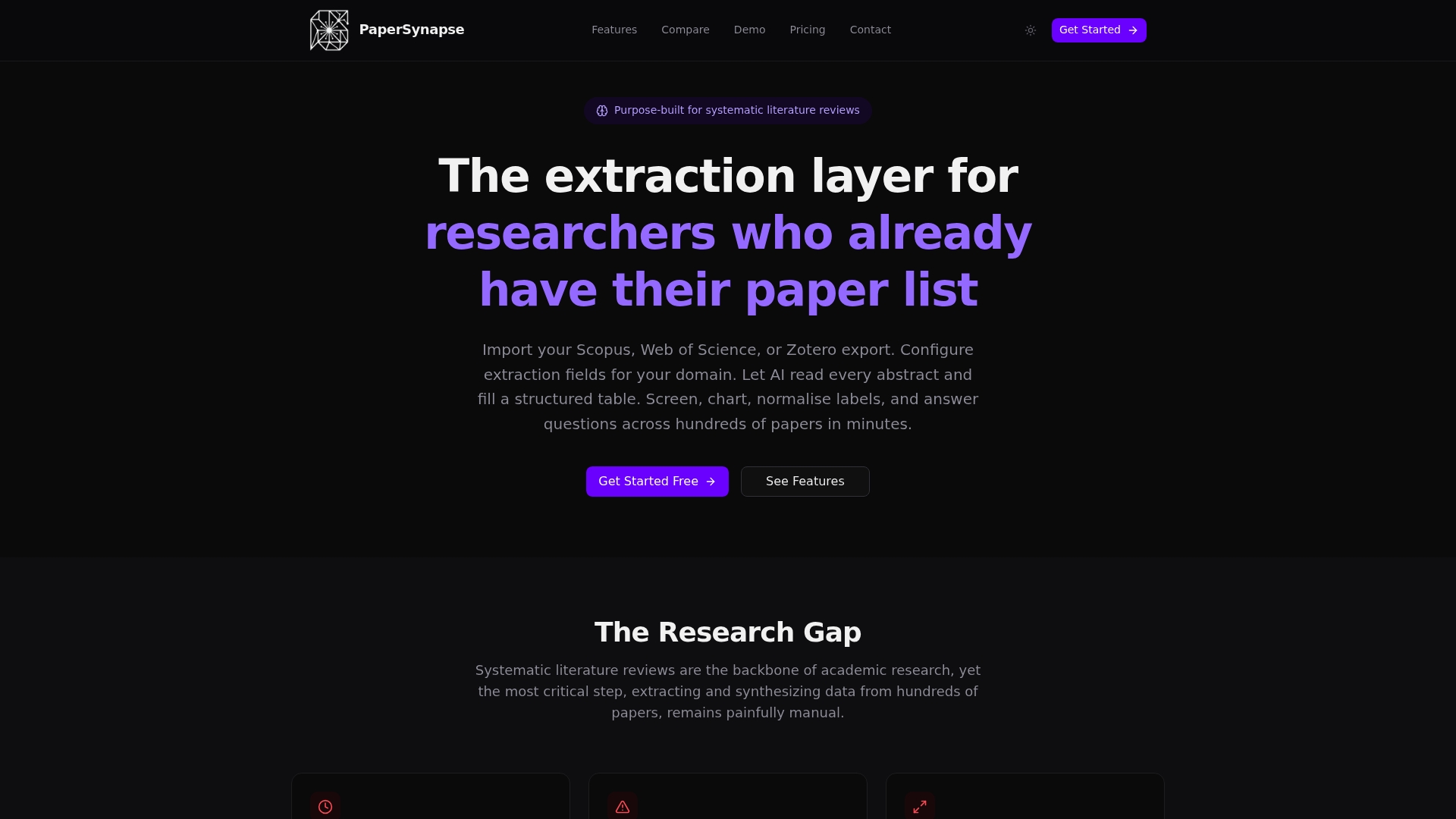
Start with the free tier and pilot 50 to 100 records the same way you would with any new screening method: check that your exclusion reasons export cleanly, confirm the audit trail logs reviewer decisions, and compare the output against your existing criteria before committing your full dataset. Visit Papersynapse to run that pilot now.
Sources
- Scoping Reviews: Step 5: Screen Citations
- Steps for Conducting a Scoping Review
- Automation tools to support undertaking scoping reviews
FAQ
What Is a Scoping Review Method?
A scoping review maps existing literature across Population, Concept, and Context (the PCC framework) using JBI/PRISMA-ScR steps, and unlike a systematic review, it typically skips formal risk-of-bias appraisal and cannot be registered on PROSPERO.
How Long Does a Scoping Review Usually Take?
Timelines vary widely depending on record volume and team size, but screening is consistently the slowest phase; reviews covering thousands of records benefit most from automation-assisted workflows that cut manual transfer time between tools.
Can a Scoping Review Be Done by One Person?
A single reviewer can complete a rapid scoping exercise, but library guidance warns that single-reviewer screening raises bias and error rates, so any solo effort headed toward publication should disclose that limitation explicitly.
Is a Scoping Review Qualitative or Quantitative?
It’s typically both: scoping reviews systematically map concepts and count the volume and type of available evidence rather than pooling effect sizes the way a meta-analysis would.
What Should I Use to Manage Large-Volume Screening?
Look for a workflow with reliable de-duplication, blinded dual screening, and exportable exclusion logs. Some platforms combine reference-manager import with AI-assisted abstract reading and PRISMA-ready exports, which reduces the manual copy-paste work that spreadsheets require.